Pashto and English captions, translated as the video plays
Wuai is a free app for Windows and Android that captions the videos you watch and translates the captions in real time, on your device. These screenshots show it turning Pashto speech into English captions and English speech into Pashto captions on Windows.
A Pashto video with English captions
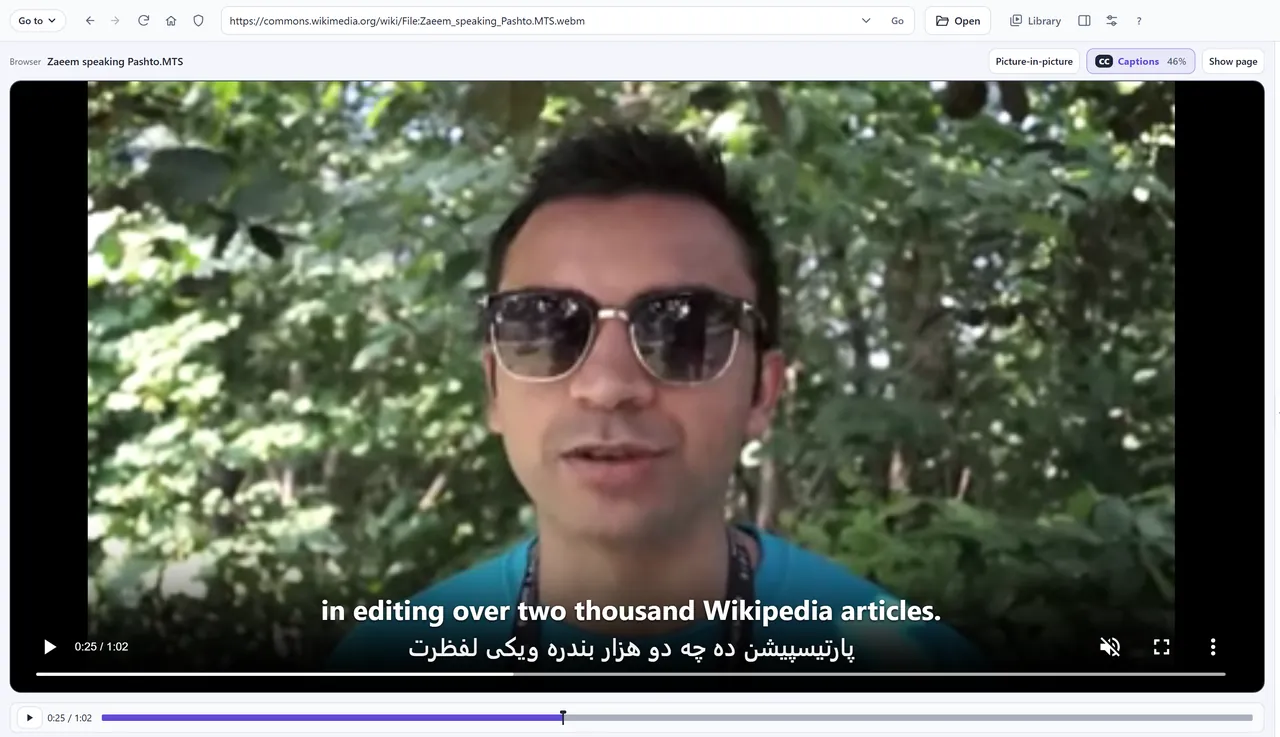
Video: Zaeem speaking Pashto.MTS by Satdeep Gill, CC BY-SA 4.0, on Wikimedia Commons.
An English video with Pashto captions
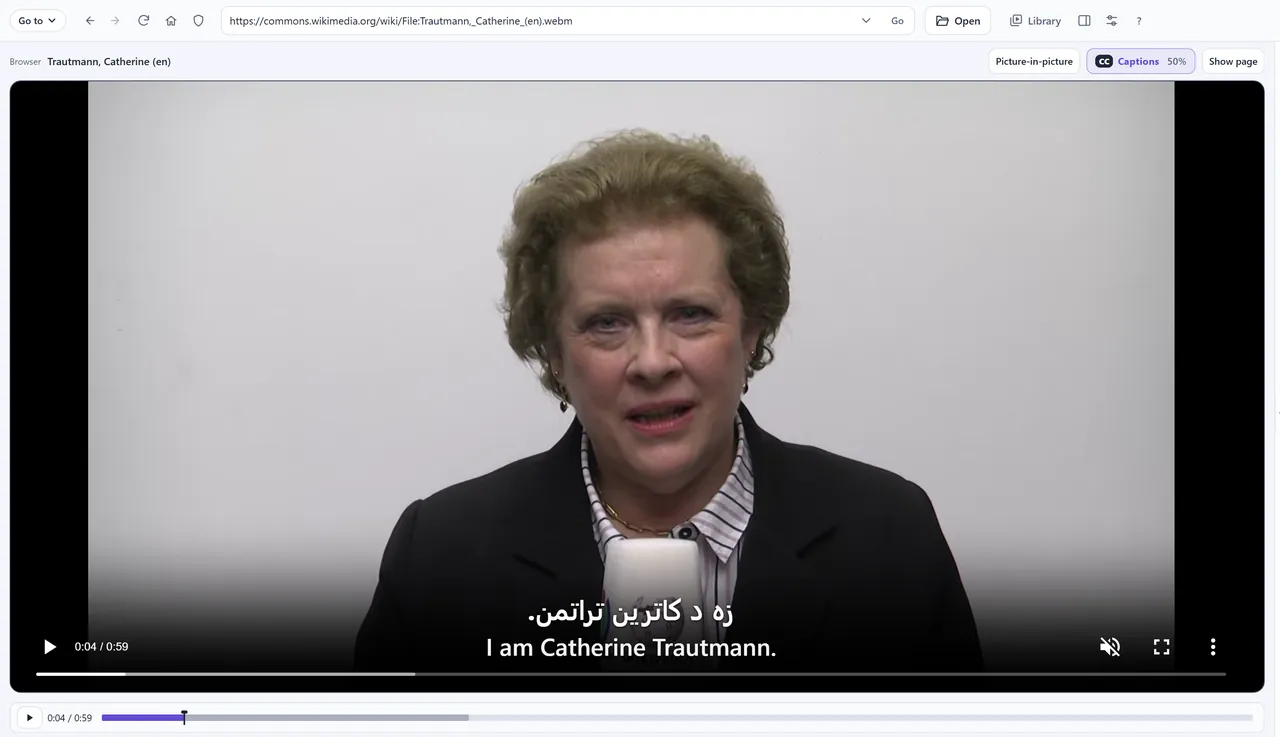
Video: Trautmann, Catherine (en) by Manuel Schneider, CC BY 3.0, on Wikimedia Commons.
How to
- Open the video in Wuai: go to its website, or paste its link. A video file works too.
- Turn on captions: Captions beside the video on Windows, CC on Android.
- Under Spoken language, keep Auto-detect or choose the language spoken.
- Turn on Translate captions and choose Pashto or English under Translate to.
- Under Show, tick Original too to see both lines, as here.
Where
Wuai translates captions into Pashto on Windows and Android, and makes captions from Pashto speech on both. See every language.
Shot on November 1, 2026 with Wuai Pro switched on, the captions as Wuai made them. Other speech and translation models' captions can differ. Android and Windows translate 30 minutes of video for free; iPhone and Mac require Pro for translation.
More languages
Odia · Persian · Every language · Captions in your language · Two captions at once